

IT Infrastructure for Your Business
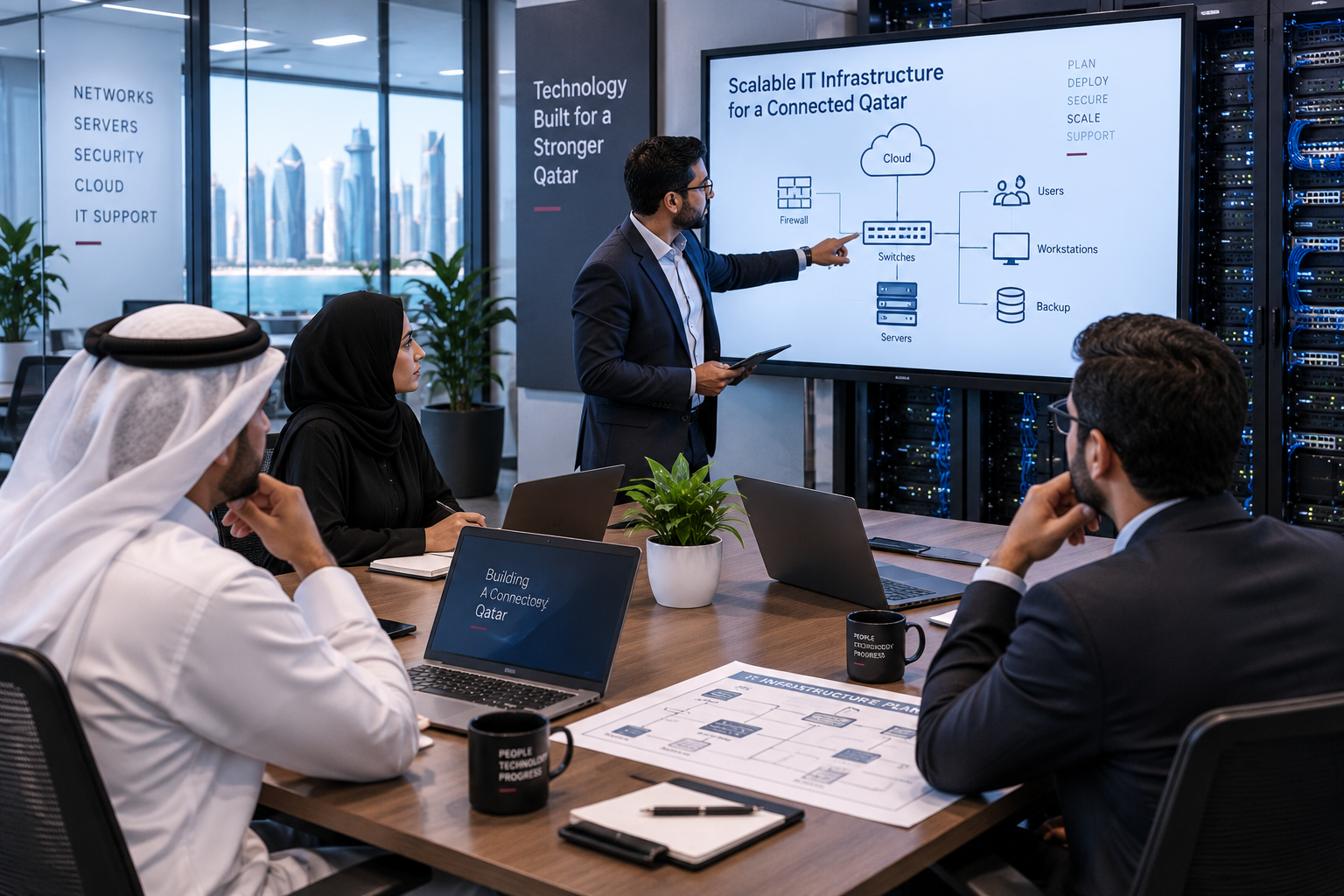
A business can have talented employees and the right software, but if its technology infrastructure is unreliable, everyday work can quickly become frustrating. Slow networks, outdated computers, data loss, and unexpected downtime can affect productivity and make it harder for teams to serve customers efficiently.
Building reliable IT infrastructure in Qatar is not about buying the most expensive equipment or using every new technology available. It is about creating a technology setup that matches your business needs, protects important information, supports employees, and can grow as the company grows.
Whether you are setting up a new office, upgrading an existing network, or replacing outdated equipment, a few important principles can help you create an IT environment that is dependable, secure, and easier to manage.
Understanding IT Infrastructure and Why It Matters for Businesses
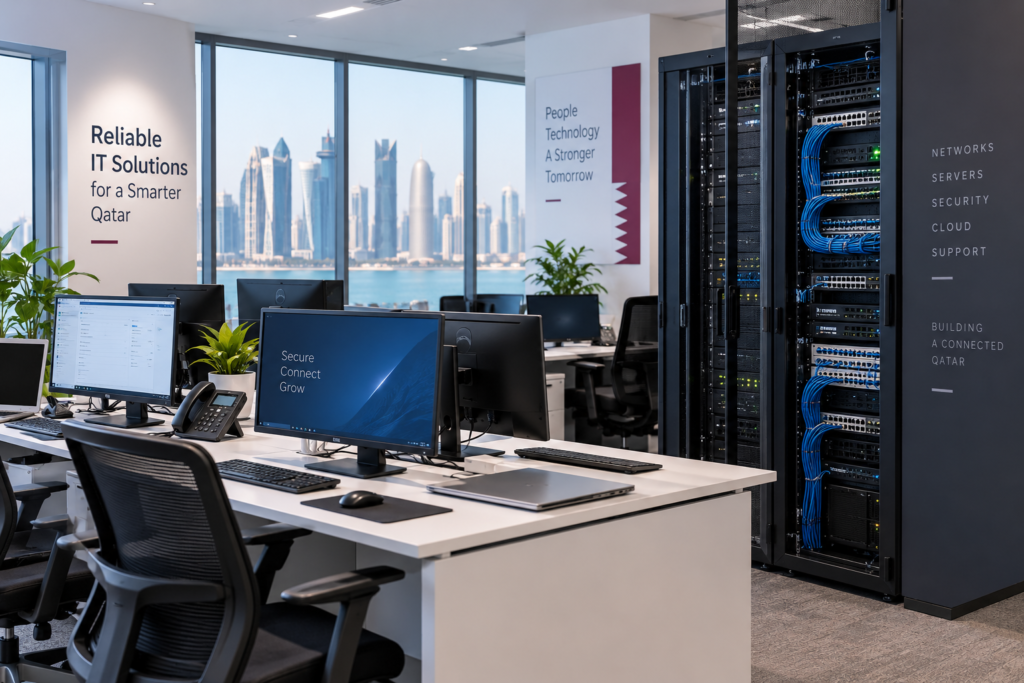
IT infrastructure includes the hardware, networking equipment, software, data storage, security systems, and technical support that keep a modern business operating.
A reliable infrastructure allows employees to connect to business systems, communicate with colleagues, access files, use applications, and work securely. It also gives businesses a stronger foundation for adding new employees, devices, applications, and locations.
For a growing company, planning infrastructure properly from the beginning can prevent many of the performance and compatibility problems that appear when technology is added without a clear strategy.
Well-planned ICT infrastructure can therefore become the foundation for reliable day-to-day operations.
The 5 Key Components of IT Infrastructure
Hardware and Business Devices
Computers, laptops, servers, printers, network equipment, and other business devices form the physical foundation of an IT environment.
The right equipment should match how employees actually work rather than simply being selected according to specifications or the lowest price. A business handling large files, for example, may need more powerful workstations than an office primarily using email and cloud applications.
Network and Connectivity
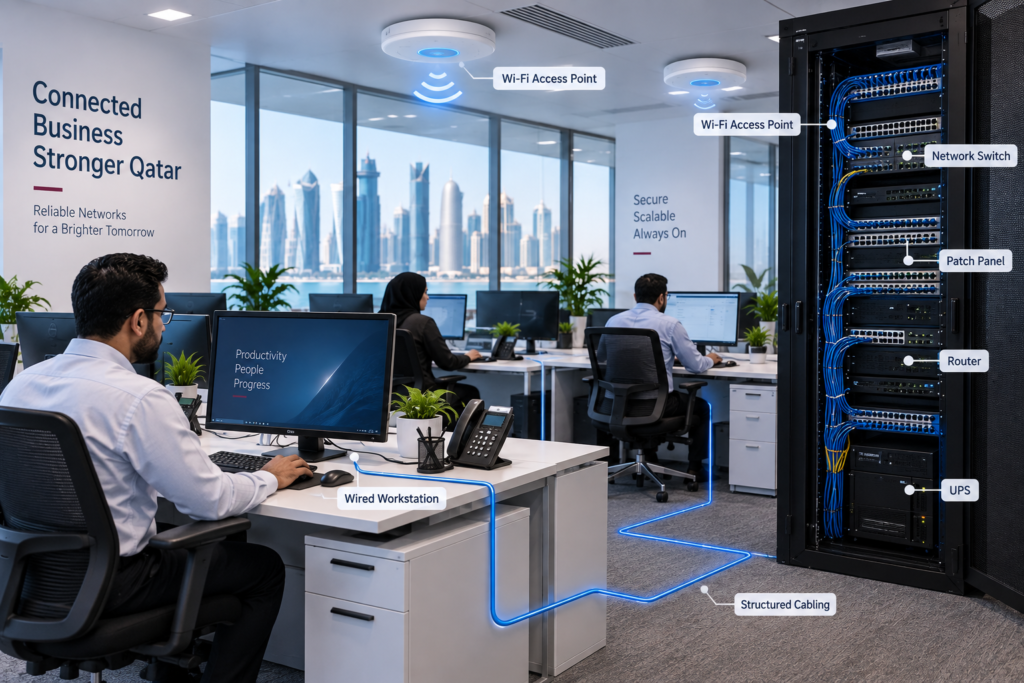
A reliable network connects employees, devices, applications, and business resources. It can include switches, routers, access points, structured cabling, fiber connections, and wireless networks.
For businesses setting up or upgrading their network, structured cabling and network infrastructure can provide an organized foundation for dependable connectivity and future expansion.
Servers and Data Storage
Businesses need secure and dependable ways to store and access important files and operational data. Depending on the organization, this may involve physical servers, network-attached storage, cloud platforms, or a combination of these technologies.
For companies managing growing volumes of business information, enterprise storage solutions can provide scalable options for storing, protecting, and accessing critical data.
Software and Business Applications
Operating systems, productivity software, accounting platforms, communication tools, and industry-specific applications all form part of the IT environment.
Software should be properly licensed, regularly updated, and compatible with the hardware and network supporting it. Choosing applications based on actual business requirements can also prevent unnecessary technology costs.
IT Security and Data Protection
Security should be part of infrastructure planning from the beginning rather than something added after a problem occurs.
Firewalls, endpoint protection, secure authentication, access controls, monitoring, and backups can work together to protect business systems and information.
Assessing Your Business’s IT Requirements
Before purchasing equipment or designing a network, first understand what your business actually needs.
Ask yourself:
- How many employees require computers and network access?
- Which applications are essential to daily operations?
- How much data does the business create and store?
- Do employees need remote access?
- How many devices will connect to the network?
- What would happen if the internet, server, or network stopped working?
These questions help you identify the infrastructure your business needs today while considering what it may require in the future.
Building a Reliable Business Network
Choosing the Right Network Equipment
Routers, switches, wireless access points, firewalls, and cabling should work together as part of one properly planned network.
Businesses should also consider network capacity, security, coverage, device compatibility, and future expansion before selecting equipment.
A properly designed business networking infrastructure can help create stable connectivity while making future upgrades easier.
Wired vs. Wireless Connectivity
Wireless networks provide flexibility and allow employees to connect from different areas of an office. Wired connections, meanwhile, can provide stable and consistent connectivity for desktops, servers, printers, access points, and other fixed equipment.
For many businesses, the best solution is a combination of both rather than choosing one technology exclusively.
Choosing the Right Hardware and Equipment
Hardware should be selected according to workload, expected usage, reliability, and future requirements.
A design company may require powerful workstations for demanding applications, while a smaller office may prioritize reliable laptops, printers, and networking equipment.
The goal is to build a balanced infrastructure rather than spending heavily on one component while neglecting other important areas such as connectivity, storage, or security.
Protecting Your Business IT Infrastructure from Cyber Threats
Securing Business Devices and Networks
Every device connected to a business network can potentially become a security risk. Firewalls, endpoint protection, secure Wi-Fi, and network monitoring can provide multiple layers of protection.
A broader cybersecurity strategy for business networks can help protect devices, users, emails, and critical business information from evolving threats.
Managing Access and User Permissions
Employees should generally have access only to the systems and information required for their roles.
Limiting unnecessary permissions can reduce the potential impact of compromised accounts and make it easier to manage access when employees join, change roles, or leave the organization.
Keeping Software and Systems Updated
Software updates are not only about adding new features. They can also address security vulnerabilities, compatibility issues, and performance problems.
Businesses should establish a routine for updating operating systems, applications, network equipment, and security software.
Data Backup and Disaster Recovery
Why Regular Backups Matter
Hardware failure, accidental deletion, malware, or other unexpected incidents can result in valuable business data becoming unavailable.
Regular backups provide another copy of important information and can make recovery much easier after a disruption. Automated backup and disaster recovery solutions can be particularly useful for businesses that depend heavily on digital information.
Preparing for IT Downtime and Data Loss
Having a backup is only one part of disaster recovery. Businesses should also understand how important systems will be restored and which operations need to be prioritized if an incident occurs. Following business continuity and disaster recovery guidance can help organizations develop a more structured approach to recovering from disruptions.
A simple recovery plan can reduce confusion and help employees respond more quickly when something goes wrong.
Why Scalability Matters When Building IT Infrastructure
Your infrastructure should support not only the business you have today but also the business you expect to have tomorrow.
If you plan to hire more employees, open another location, introduce new software, or increase data storage requirements, those possibilities should be considered when designing your infrastructure.
Scalable networking, storage, and cloud technologies can make future expansion easier without requiring a complete technology overhaul.
The Role of IT Maintenance and Technical Support
Even a well-designed IT environment requires ongoing maintenance.
Regular monitoring, updates, equipment checks, security reviews, backups, and troubleshooting can help identify problems before they become major disruptions. Preventive IT maintenance services can also help extend equipment life and support system reliability.
Maintenance should be viewed as part of the infrastructure lifecycle rather than something businesses turn to only after a failure.
Common IT Infrastructure Mistakes Businesses Should Avoid
Some common mistakes can make an otherwise good infrastructure unreliable:
- Choosing equipment based only on price
- Installing a network without considering future growth
- Ignoring cybersecurity until an incident occurs
- Failing to maintain regular backups
- Continuing to use outdated hardware or software
- Giving employees unnecessary system permissions
- Having no plan for unexpected IT downtime
Avoiding these issues can improve reliability while making the technology environment easier to manage.
How to Build a Future-Ready IT Infrastructure in Qatar
A future-ready infrastructure starts with understanding how your business operates rather than simply purchasing the newest technology.
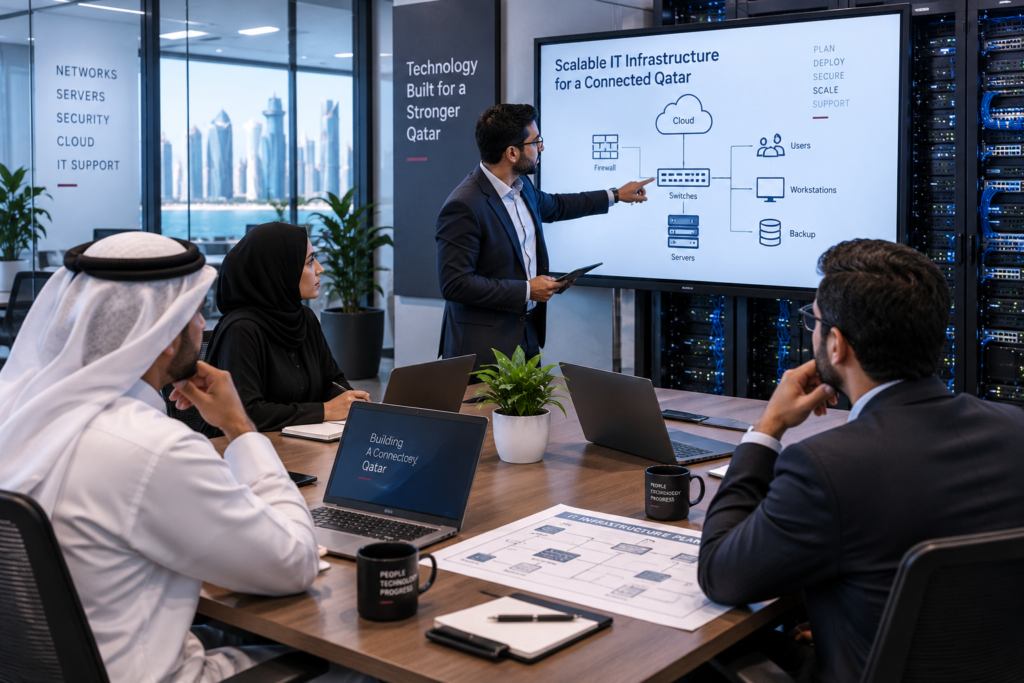
Assess your requirements, plan the network, select appropriate hardware, protect business systems, establish reliable backups, and create a maintenance routine. This approach can help businesses develop scalable IT infrastructure that supports current operations while leaving room for future growth.
Frequently Asked Questions
What Are the 5 Components of IT Infrastructure?
The five main components are hardware, network and connectivity, servers and data storage, software and business applications, and IT security. Together, these components provide the technology foundation businesses need for daily operations.
What Does a Reliable IT Infrastructure Include?
A reliable IT infrastructure typically includes dependable hardware, stable networking, secure systems, appropriate data storage, regular backups, cybersecurity controls, and ongoing maintenance.
How Much Does Business IT Infrastructure Cost?
There is no fixed cost because infrastructure requirements differ between businesses. The number of employees, devices, network size, storage requirements, security needs, applications, and future expansion plans can all affect the overall investment.
How Can Small Businesses Improve Their IT Infrastructure?
Small businesses can begin by reviewing their current network and replacing critical outdated equipment. Improving security, implementing regular backups, updating software, and establishing a maintenance plan can also make a significant difference.
Why Is IT Infrastructure Important for Business Continuity?
Reliable infrastructure helps employees continue accessing essential systems and information. Networking, backup, security, storage, and recovery measures can also reduce the impact of unexpected failures and help businesses resume operations more quickly.
Building a Reliable IT Infrastructure for Long-Term Business Growth
Reliable IT infrastructure is not simply about having more computers or faster internet. It is about creating a connected, secure, manageable, and scalable technology environment that supports the way your business actually works.
Start by assessing your current setup and identifying its biggest weaknesses. Then prioritize networking, hardware, security, data storage, backup, and maintenance according to your business requirements.
The right infrastructure can give your team a dependable technology foundation today while making it easier to adapt as your business grows tomorrow.
Ready to evaluate your current setup? Start by identifying the areas where your business experiences the most downtime, slow connectivity, security concerns, or outdated equipment, then build your infrastructure improvements around those priorities.