
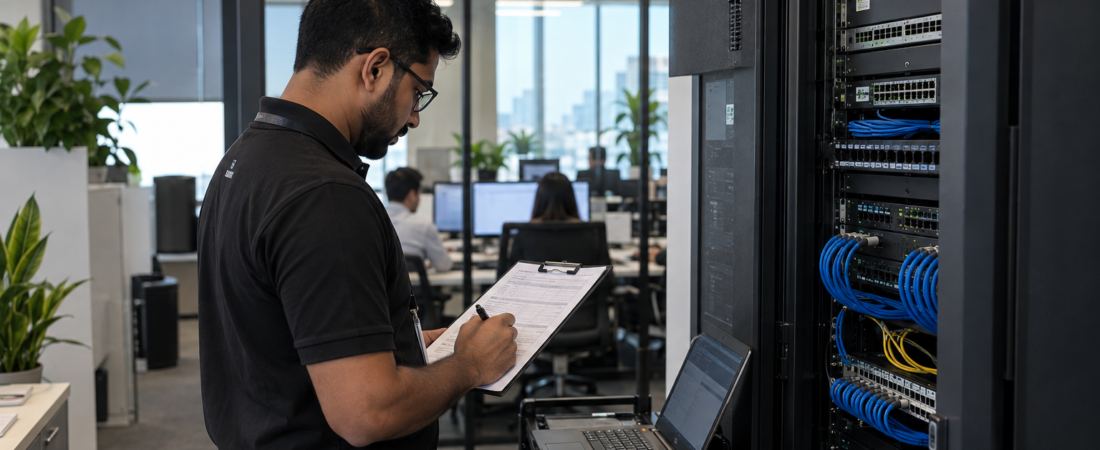
Why Annual IT Maintenance Matters for Business
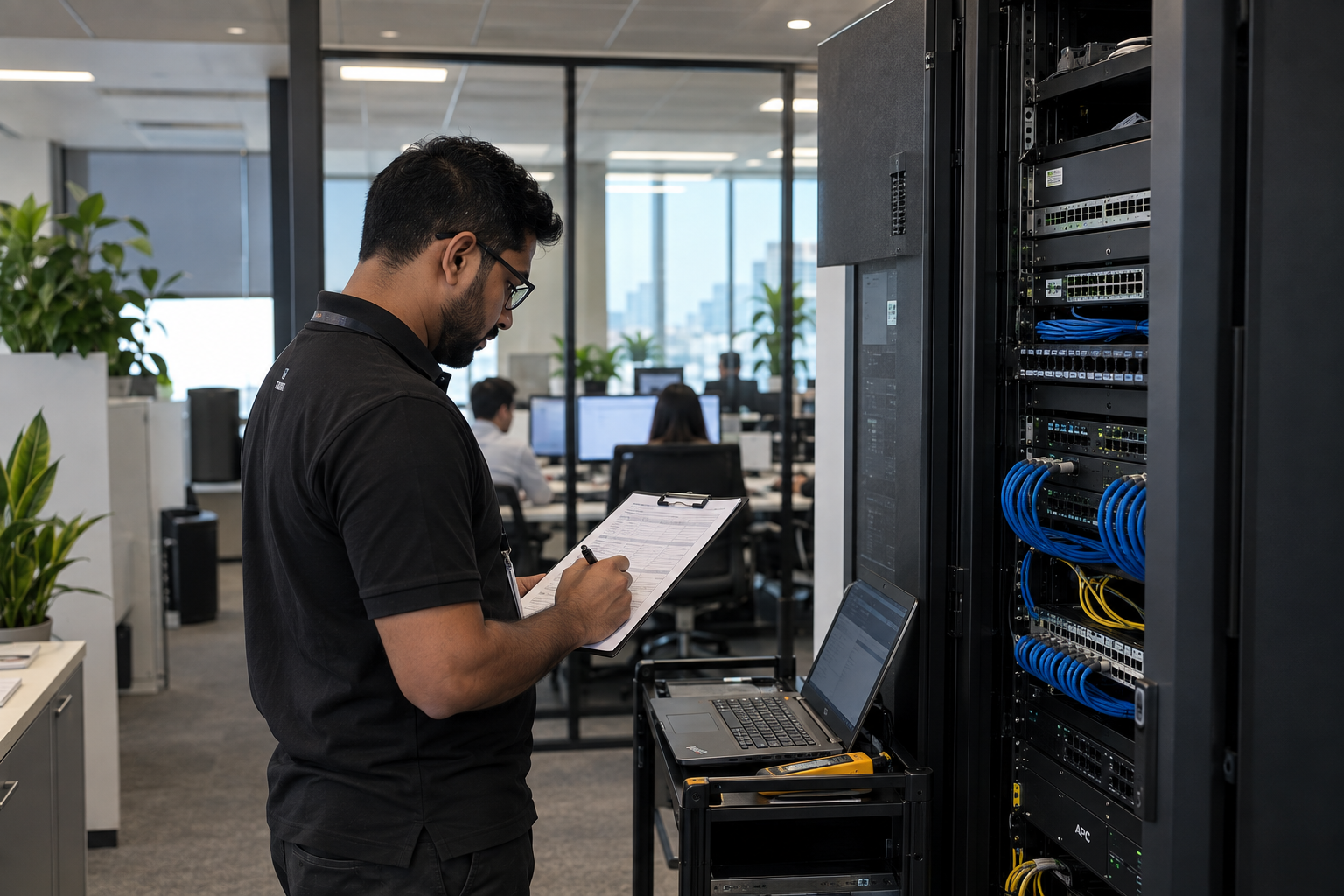
When everything is working, IT maintenance is easy to overlook. Computers start normally, employees can access their files, the network seems stable, and business applications are available when they are needed. The problem is that technical issues often develop quietly before they turn into something serious.
For businesses that rely on technology every day, regular IT maintenance Qatar is not simply another technical task. It is a practical way to keep systems performing properly, identify potential problems early, strengthen security, and reduce the disruption caused by unexpected failures.
In this blog, we’ll look at why annual IT maintenance matters, what a useful maintenance plan should cover, and how preventive maintenance can support business continuity and system performance. The goal is not to maintain technology for its own sake, but to make sure the technology your employees depend on continues to support the business.
What Is Annual IT Maintenance?
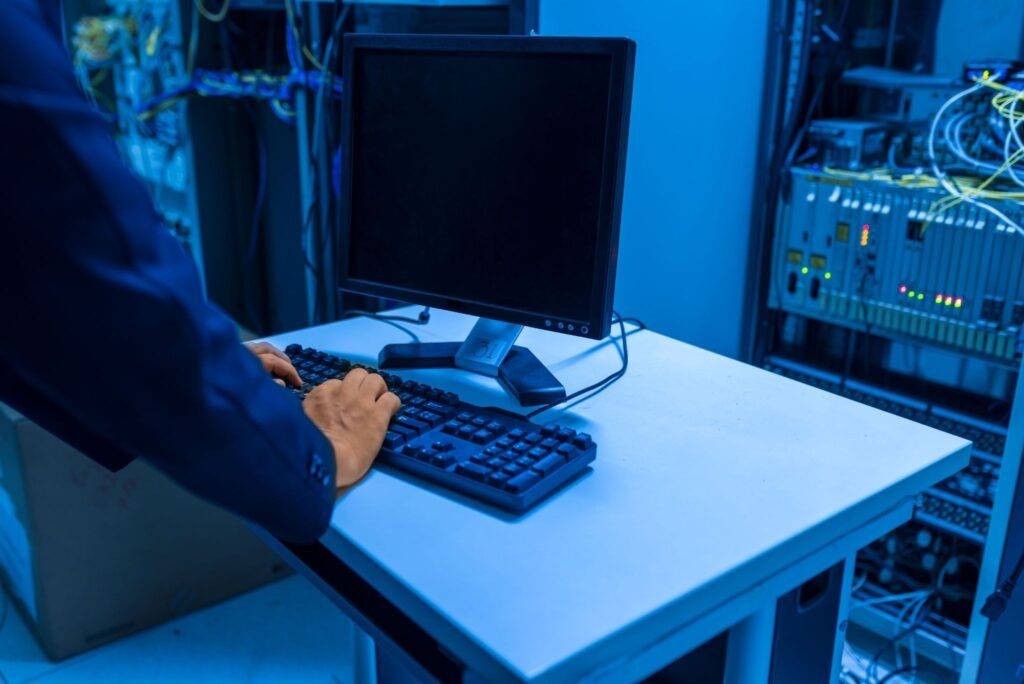
Annual IT maintenance is a planned approach to checking, updating, securing, and improving a business’s technology systems throughout the year.
It can cover computers, servers, networks, software, storage systems, backups, security tools, and other critical technology infrastructure.
The important difference between maintenance and emergency repair is timing. Instead of waiting until something stops working, preventive IT maintenance looks for warning signs and potential weaknesses before they cause major disruption.
Regular maintenance can also help businesses understand which equipment is still performing well and which systems may need upgrading or replacement.
Why IT Maintenance Matters for Business Continuity
Business continuity is about keeping essential operations running when something unexpected happens.
For a technology dependent business, even a relatively small IT problem can create a much larger operational issue. If employees cannot access business applications, files, email, servers, or the network, normal work can quickly come to a standstill.
Reducing Unexpected Downtime
Downtime can affect productivity, customer service, communication, and revenue.
Regular maintenance provides an opportunity to identify failing hardware, storage problems, software issues, network weaknesses, and other technical problems before they develop into major failures.
Maintenance cannot prevent every outage, but it can reduce the likelihood of avoidable problems and improve the business’s ability to respond when something does go wrong.
Supporting Recovery When Problems Occur
A good maintenance plan should not only focus on preventing problems. It should also make sure the business is prepared to recover from them.
This means checking backups, recovery procedures, important systems, and the availability of critical data. NIST’s contingency planning guidance highlights the importance of recovery planning, testing, and maintaining procedures that help organizations respond to disruptions.

What Should Annual IT Maintenance Include?
The exact maintenance requirements will vary from one business to another, but several areas should normally be part of a structured maintenance plan.
Hardware Inspection
Computers, servers, switches, routers, printers, and other equipment should be checked for signs of wear, overheating, storage problems, unusual performance, or possible hardware failure.
Maintenance reviews can also help identify aging equipment before it fails unexpectedly, giving the business time to plan replacements instead of dealing with an emergency.
Network Health Checks
A business network can become difficult to troubleshoot when problems are allowed to build up over time.
Regular network checks can include reviewing switches, routers, wireless access points, cabling, configurations, connectivity, and overall network performance.
A properly planned ICT and networking infrastructure can provide a more reliable foundation for the devices and applications employees use every day.
Software Updates and Patch Management
Keeping operating systems, applications, firmware, and security software updated is another important part of maintenance.
Updates can fix bugs, improve compatibility, and address known security weaknesses. NIST describes patch management as an important part of preventive maintenance and recommends establishing an organized approach to managing updates. Read NIST’s guidance on enterprise patch management.
Backup Verification
A backup is only useful if the business can actually restore its data when it needs it.
Maintenance should therefore include checking whether backups are completing correctly and, where appropriate, testing whether important files and systems can be recovered.
Businesses that depend heavily on digital information may also need appropriate enterprise storage and backup solutions based on their data, capacity, and recovery requirements.
How IT Maintenance Improves System Performance
Not every IT problem causes an immediate failure. Sometimes performance simply gets worse over time.
Computers may take longer to start, applications may become slower, storage may become crowded, or network performance may decline as more users and devices are added.
Regular maintenance gives IT teams an opportunity to identify these issues before employees begin losing significant time to them.
Identifying Performance Bottlenecks
Maintenance can involve reviewing storage capacity, system resources, software, network performance, and other factors that may affect productivity.
The objective is not simply to make a computer appear faster. It is to ensure that the technology supporting everyday work is operating efficiently.
Extending Equipment Lifespan
Replacing equipment too frequently can increase IT costs, particularly for businesses managing many computers and network devices.
Regular maintenance can help keep suitable equipment functioning properly for longer while also identifying hardware that genuinely needs replacement.
This makes technology spending easier to plan instead of replacing equipment only after it fails.
Cybersecurity Is Part of IT Maintenance
IT maintenance and cybersecurity are closely connected.
Outdated software, unsupported operating systems, weak configurations, and unmaintained devices can create additional security risks for businesses.
Routine maintenance can include:
- Installing important security updates
- Reviewing endpoint protection
- Checking firewall configurations
- Removing unnecessary user accounts
- Reviewing access permissions
- Updating firmware where appropriate
- Checking for unusual system activity
- Verifying backup protection
Businesses can also incorporate IT support and security services into a broader strategy for maintaining and protecting their technology environment.
Why Preventive Maintenance Is Better Than Only Fixing Problems
Waiting until something breaks can seem like the cheaper option because there is no scheduled maintenance activity to pay for.
However, emergency repairs can create additional costs through downtime, lost employee productivity, urgent equipment replacement, and interrupted customer service.
Reactive support is still necessary when failures happen, but combining it with preventive IT maintenance gives businesses a better opportunity to identify problems before they become emergencies.
For organizations that rely heavily on technology, prevention is often easier to manage than disruption.
How Often Should Business IT Systems Be Maintained?
Annual maintenance does not necessarily mean checking everything only once a year.
A better approach is to create a schedule based on how important each system is and how frequently it changes.
For example:
Regular checks may include:
- Backup verification
- Security updates
- Endpoint monitoring
- Network monitoring
Periodic checks may include:
- Hardware inspections
- Server health reviews
- Storage capacity checks
- Network configuration reviews
Annual reviews may include:
- Complete infrastructure assessment
- Hardware lifecycle planning
- Security review
- Disaster recovery review
- Technology upgrade planning
This layered approach is generally more practical than treating maintenance as one large annual task.
Common IT Maintenance Mistakes Businesses Should Avoid
Even businesses that perform regular maintenance can overlook important areas.
Some common mistakes include:
- Maintaining computers while ignoring the network
- Assuming backups work without testing them
- Using outdated or unsupported software
- Waiting for employees to report every technical problem
- Failing to document maintenance activities
- Ignoring cybersecurity during routine maintenance
- Replacing equipment without considering the wider infrastructure
- Having no recovery plan for critical systems
A maintenance plan should consider the entire IT environment rather than focusing only on individual computers.
Choosing the Right IT Maintenance Approach
The right approach to IT maintenance Qatar depends on the size, infrastructure, and day-to-day technology requirements of each business.
A small office with a limited number of devices may need a simpler maintenance schedule. An organization with servers, multiple network locations, security systems, storage infrastructure, and large amounts of business data may require more structured support.
When evaluating IT maintenance services in Qatar, businesses should consider whether the maintenance approach covers the systems that are genuinely important to daily operations.
A useful maintenance plan may include:
- Preventive inspections
- Technical support
- Network and system monitoring
- Software and security updates
- Hardware troubleshooting
- Backup checks
- Disaster recovery planning
- Maintenance documentation
A structured annual maintenance service can help businesses manage these activities through planned support rather than relying entirely on emergency repairs.
Frequently Asked Questions
What Is IT Maintenance for a Business?
IT maintenance involves regularly checking, updating, securing, and supporting the technology systems a business depends on. This can include computers, servers, networks, software, backups, security systems, and other IT infrastructure.
Why Is Preventive IT Maintenance Important?
Preventive IT maintenance helps identify potential hardware, software, network, and security problems before they cause significant disruption. It can also support better system performance and make future upgrades easier to plan.
How Often Should Business IT Systems Be Maintained?
There is no single schedule that works for every business. Critical systems may require regular monitoring, while broader infrastructure assessments can be performed periodically or annually.
Can IT Maintenance Reduce Business Downtime?
Regular maintenance can reduce the likelihood of some preventable failures by identifying problems early, keeping systems updated, checking backups, and monitoring infrastructure performance. It cannot eliminate every outage, but it can improve preparedness.
What Should an Annual IT Maintenance Plan Include?
An annual IT maintenance plan can include hardware inspections, network checks, software updates, cybersecurity reviews, backup verification, system monitoring, troubleshooting, performance optimization, and disaster recovery planning.
Keep Your IT Systems Ready for What Comes Next
Reliable technology should not be something a business notices only when it stops working.
A planned maintenance strategy gives businesses the opportunity to look beyond immediate technical problems and focus on the health, security, and performance of the systems employees rely on every day. Regular checks can uncover issues earlier, reduce avoidable disruption, and make technology planning easier.
Instead of waiting for a computer, server, network, or application to fail, review your current IT environment and identify the areas that could cause the biggest disruption if they stopped working tomorrow.
That simple shift from reacting to problems to preparing for them can make IT maintenance a valuable part of long-term business continuity and reliable day-to-day operations.