
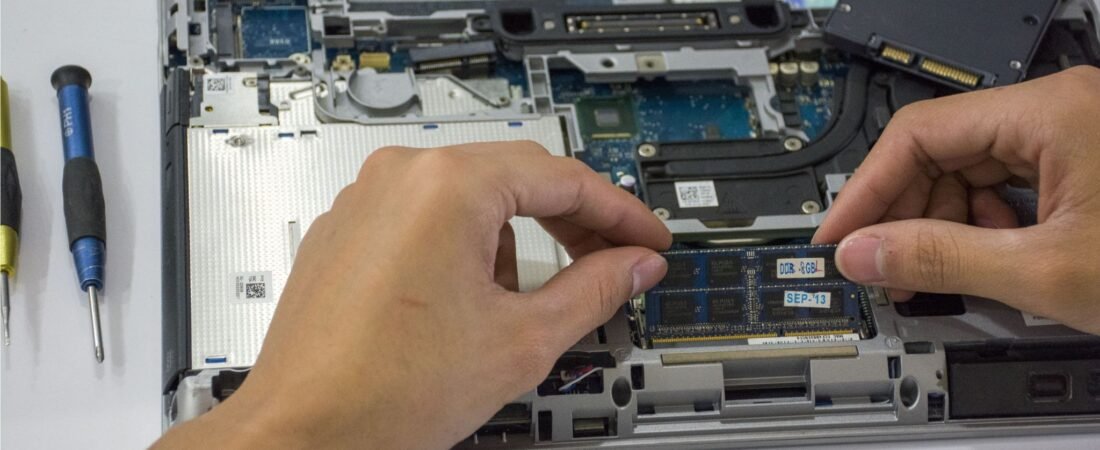
Laptop Repair in Qatar
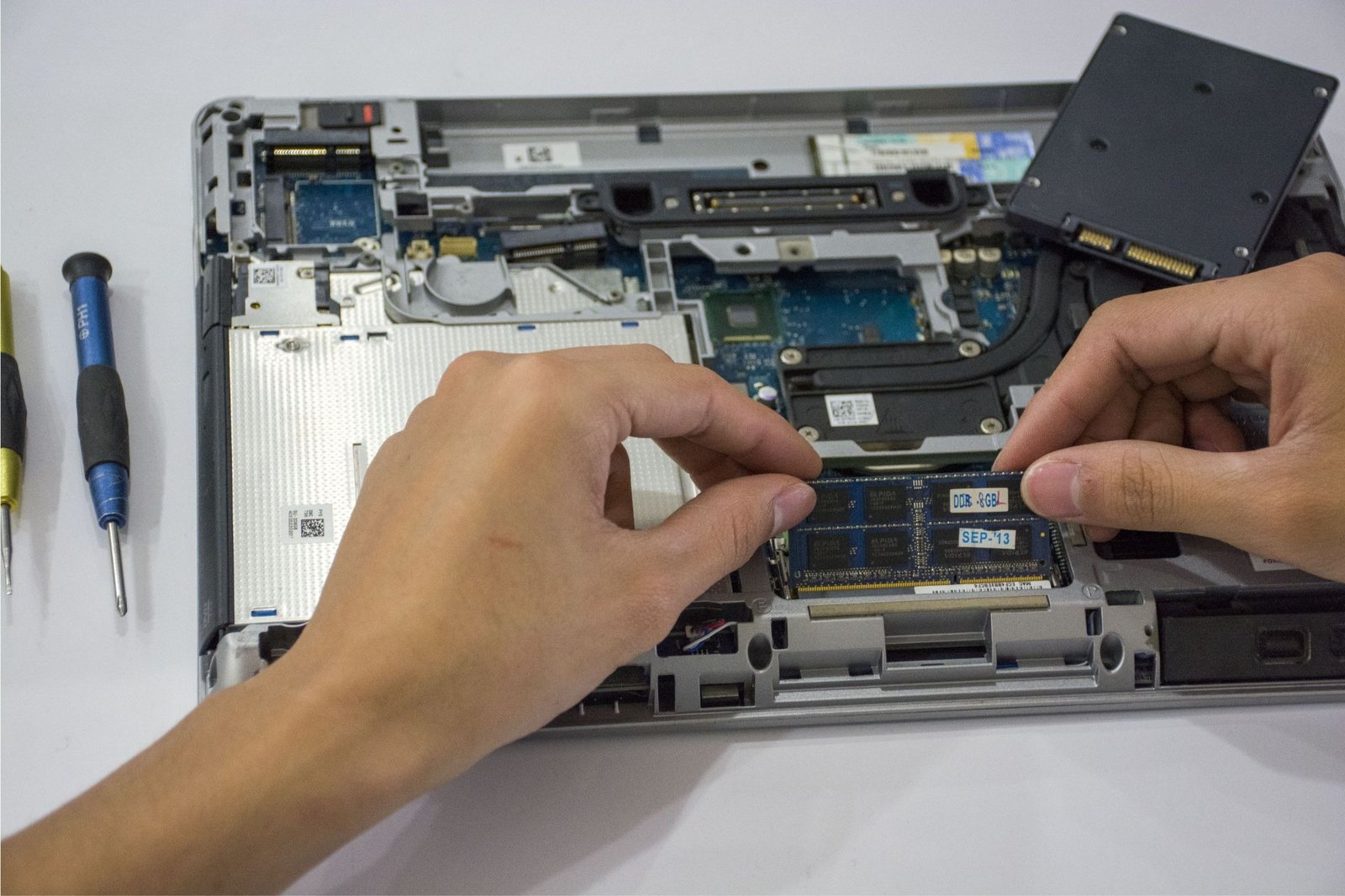
A laptop usually becomes important when you need it most. A student may have an assignment due, an employee may be preparing for an important meeting, or a business may rely on a laptop for everyday operations. Then, without much warning, the device starts overheating, refuses to charge, becomes painfully slow, or simply stops turning on.
The good news is that many laptop problems can be diagnosed and repaired without replacing the entire device. This guide looks at some of the common laptop problems, what may be causing them, when basic troubleshooting is worth trying, and when professional laptop repair makes more sense.
Whether you use a laptop for work, study, entertainment, or business, knowing the difference between a minor software issue and a serious hardware fault can help you make a smarter decision about your device.

What Are the Most Common Laptop Problems?
Laptop problems can range from simple software glitches to damaged internal components. Some appear gradually, while others happen suddenly.
1. Laptop Won’t Turn On
A laptop that shows no signs of power can be particularly worrying. However, a completely dead laptop does not automatically mean the motherboard is damaged.
The issue could be related to the charger, charging port, battery, power circuit, or another internal component. Basic checks such as trying another compatible charger or checking the power connection can help, but persistent power problems usually require proper diagnostics.
2. Slow Laptop Performance
A laptop that used to run smoothly but now takes several minutes to start programs may have a number of possible causes.
Too many startup applications, insufficient storage, outdated software, malware, memory limitations, or an aging storage drive can all affect performance. In some cases, cleaning up the operating system is enough. In others, upgrading or replacing a hardware component can make a noticeable difference.
3. Overheating and Unexpected Shutdowns
Laptop overheating is another common issue, especially when a device is used for long periods or under heavy workloads.
Dust accumulation, blocked ventilation, a failing cooling fan, or degraded thermal material can prevent heat from escaping properly. Excessive heat can lead to performance problems and unexpected shutdowns, so repeatedly ignoring overheating is not a good idea.
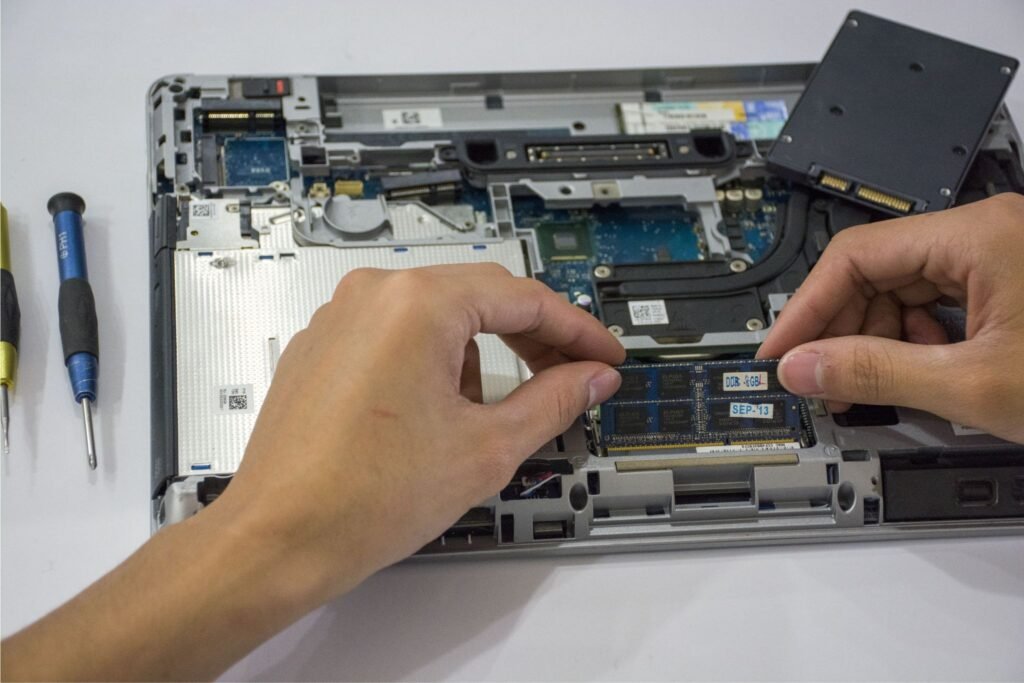
4. Battery and Charging Problems
Does your laptop lose power quickly even after a full charge? Does it only work when connected to the charger? Or does the battery refuse to charge at all?
These symptoms may indicate battery wear, charger problems, a damaged charging port, or an internal power-related fault. Battery replacement may be a straightforward solution, while charging-port or motherboard issues can require more involved repair.
5. Screen or Display Problems
A cracked screen is easy to recognize, but display problems are not always that obvious.
A laptop may turn on while showing a black screen, flickering, distorted images, lines, or unusual brightness. The problem could involve the display panel, cable, graphics hardware, or motherboard.
Before assuming the entire laptop needs replacing, the actual source of the display problem should be identified.
When Does a Laptop Need Professional Repair?
Some problems are suitable for basic troubleshooting. Others are better left to an experienced technician.
For example, restarting a laptop, installing system updates, freeing storage space, or removing unnecessary startup programs may solve certain software-related problems.
However, problems involving internal components are different. If your laptop repeatedly shuts down, overheats, fails to charge, has no display, or shows signs of motherboard failure, continuing to experiment with random fixes can sometimes make the situation worse.
Professional laptop repair services can begin with diagnostics to identify the actual cause before deciding what needs to be repaired or replaced.
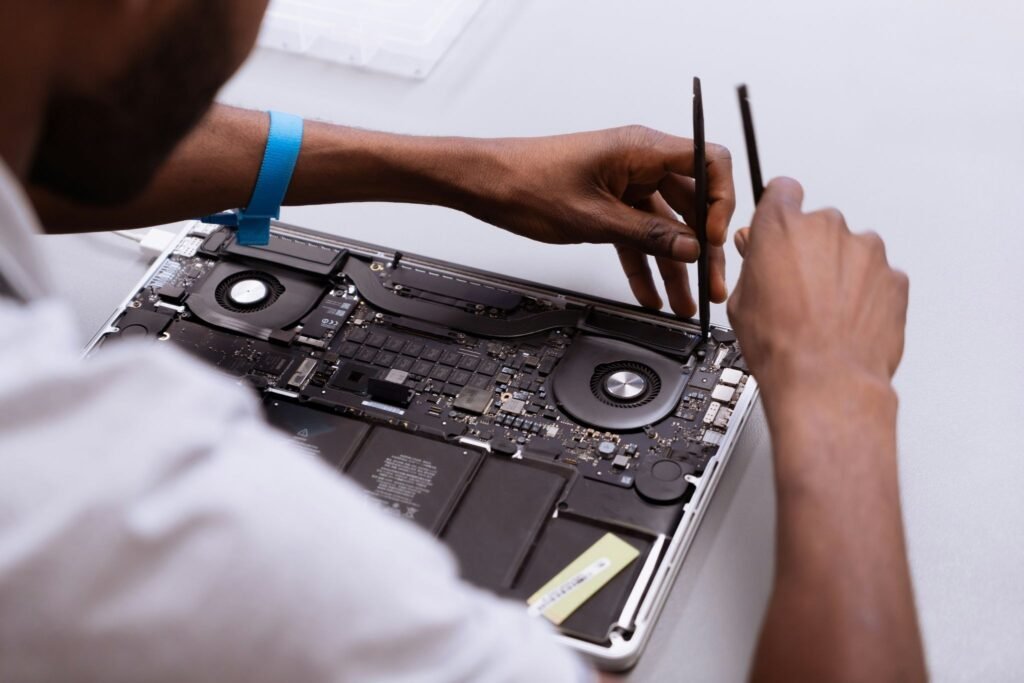
Laptop Hardware Repair: What Can Be Repaired?
Many people assume that hardware failure means the laptop has reached the end of its life. That is not necessarily true.
Depending on the model and condition, technicians may be able to repair or replace individual components rather than replacing the entire machine.
Common examples include:
- Damaged charging ports
- Cooling and fan problems
- Laptop screens and display components
- Keyboard and touchpad issues
- Battery-related problems
- Motherboard faults
- Internal hardware connections
- Certain chip-level component failures
Motherboard problems can be more complicated because they involve the laptop’s central electronic circuitry. In some cases, specialized repair techniques such as chip-level troubleshooting or component-level repair may be possible.
The important point is that the repair decision should be based on the actual fault, not simply on the symptom.
What About Laptop Software Problems?
Not every laptop problem requires opening the device.
Software problems can cause freezing, slow startup, application crashes, unusual error messages, and poor overall performance. Operating-system problems, outdated drivers, unwanted programs, and insufficient storage can all contribute.
Before paying for hardware work, it is worth determining whether the issue is actually software-related.
A good diagnostic process should therefore consider both sides: laptop hardware repair and software troubleshooting.
Laptop Repair in Qatar: When Should You Get Help?
For users in Qatar, a laptop can be part of everyday work, education, and business. That makes prolonged downtime inconvenient, particularly when an issue keeps returning.
Consider getting professional assistance when:
- The laptop will not power on.
- It shuts down unexpectedly.
- The device becomes unusually hot.
- The battery stops charging.
- The screen remains black or flickers.
- The charging port is loose or damaged.
- The laptop has suffered liquid or physical damage.
- Performance remains poor despite basic troubleshooting.
- You suspect a motherboard or internal component problem.
Tasmeem’s laptop repair services cover professional diagnostics and repair for hardware and software problems, including motherboard, ports, cooling systems, and chip-level issues.
The key is not to wait until a small problem becomes a larger one.
Repair or Replace Your Laptop?
This is often the biggest question.
A repair can make sense when the laptop is otherwise performing well and the problem is limited to one replaceable component. A new battery, screen, charging port, or cooling component may extend the useful life of the machine considerably.
Replacement may make more sense when the laptop is very old, has multiple major faults, struggles with modern software, or requires repairs that approach the cost of a suitable replacement.
Consider these questions before making a decision:
How old is the laptop?
A relatively recent laptop with one failing component may be a good repair candidate.
What exactly has failed?
A battery problem is very different from extensive motherboard damage.
How much will the repair cost?
Compare the expected repair cost with the price of purchasing a suitable replacement.
Does the laptop still meet your needs?
If it already struggles with your everyday workload, repairing one component may not solve the bigger performance problem.
Is your data important?
Before replacing a device, consider whether important files need to be recovered or backed up.
How to Choose a Laptop Repair Service
Choosing a repair provider should involve more than looking for the cheapest price.
Start with diagnostics. A reliable technician should identify the underlying problem rather than immediately recommending unnecessary replacements.
It is also worth considering the technician’s experience with hardware faults, the quality of replacement parts, expected turnaround time, and whether the repair comes with appropriate after-service support.
For complicated problems such as motherboard faults or chip-level repairs, technical experience becomes particularly important.
Frequently Asked Questions About Laptop Repair
Is laptop repair worth it?
Yes, in many cases. If the laptop is still suitable for your needs and the problem is limited to a repairable component, repairing it can be more practical than purchasing a replacement.
What are the most common laptop problems?
Common problems include slow performance, overheating, battery and charging issues, broken screens, keyboard problems, software errors, unexpected shutdowns, and power failures.
How do I know if my laptop needs professional repair?
If the laptop repeatedly overheats, shuts down, will not charge, has display problems, will not power on, or shows signs of internal hardware failure, professional diagnostics are recommended.
Can a laptop motherboard be repaired?
Some motherboard faults can be repaired, depending on the specific damage, laptop model, and availability of suitable repair techniques and components. A proper diagnosis is needed first.
Should I repair or replace an old laptop?
It depends on its age, condition, performance, repair cost, and your requirements. If a repair can restore a relatively capable laptop at a reasonable cost, repair may be worthwhile. If several major components are failing, replacement may be the better long-term option.
Final Thoughts: Don’t Replace a Laptop Before Diagnosing the Problem
A laptop that is slow, overheating, refusing to charge, or showing a blank screen can make replacement seem like the obvious answer. But the symptom does not always tell you how serious the underlying problem really is.
A proper diagnosis can reveal whether the issue is a simple software problem, a replaceable component, or a more complicated hardware fault. From there, you can compare the repair cost and expected lifespan with the cost of buying a new device.
For students, professionals, households, and businesses, that extra step can prevent unnecessary spending and help you get more useful life from a laptop that still meets your needs.
When a problem goes beyond basic troubleshooting, choosing a qualified laptop repair service can be the practical next step especially when the device contains important work, files, and data that you do not want to lose.