
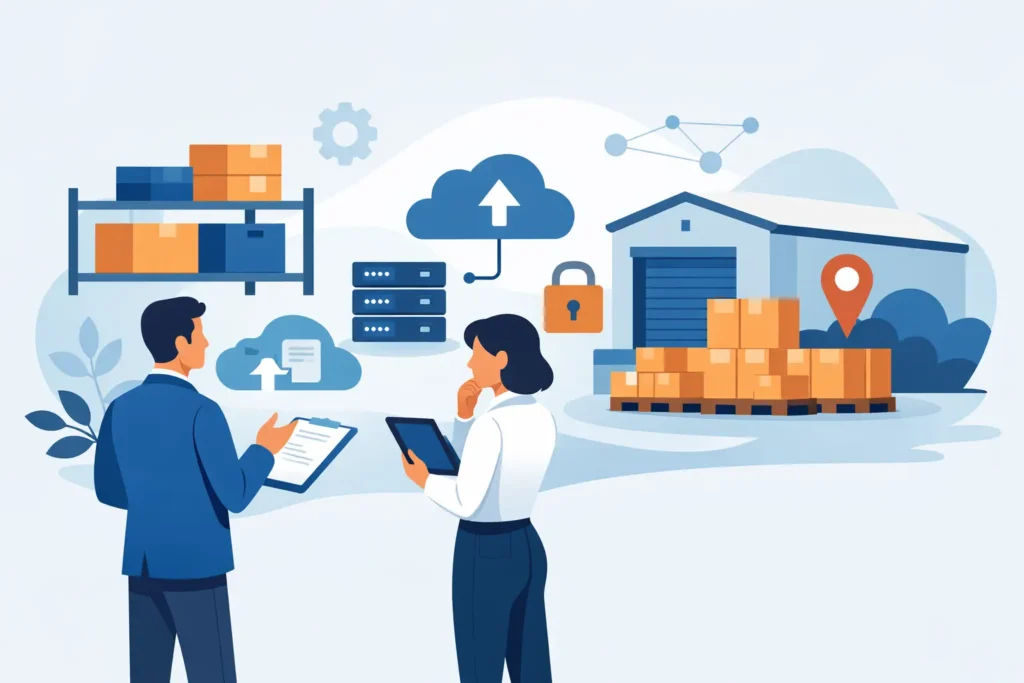
A slow file server usually does not fail all at once. It starts with small signs – long save times, missing version control, backup windows that run into business hours, and staff asking why shared folders keep dropping offline. By the time these issues become visible across departments, business storage solutions are no longer just an IT purchase. They are an operational decision tied to uptime, security, and growth.
For small and mid-sized organizations, storage often expands faster than the original plan. More users, larger files, surveillance footage, design assets, accounting records, email archives, and application data all place pressure on systems that were acceptable a year ago. The right approach is not simply buying more capacity. It is selecting storage that fits how your business works, how fast your data grows, and how much disruption you can afford.
What business storage solutions need to do
At a practical level, storage must keep data available, organized, and protected. In a business environment, that means more than holding files. It means supporting daily collaboration, maintaining application performance, enabling reliable backup, and helping the business recover quickly if something goes wrong.
This is where many purchasing decisions become too narrow. Capacity matters, but capacity alone does not solve poor performance, weak redundancy, or limited recovery options. A system with plenty of free space can still create serious business risk if it cannot handle workload demands or if one hardware failure brings operations to a halt.
Good business storage solutions should align with five core needs: performance, availability, security, scalability, and manageability. The balance between these factors depends on the business. A finance team running critical databases will prioritize speed and reliability differently than a company archiving compliance records or storing CCTV footage for retention.
On-premises, cloud, or hybrid storage?
This is usually the first strategic decision, and there is no single answer for every organization.
On-premises storage
On-premises storage gives businesses direct control over hardware, access policies, and data location. It is often the right fit when low latency matters, when large file transfers happen constantly across the local network, or when compliance policies require tighter internal control. For companies with predictable workloads and in-house infrastructure, on-premises systems can also provide strong long-term value.
The trade-off is responsibility. Power protection, hardware maintenance, firmware updates, backup planning, and physical security all stay with the business or its IT partner. If support is inconsistent, the risks increase quickly.
Cloud storage
Cloud storage reduces the need to maintain physical hardware and can simplify scaling. It is attractive for distributed teams, businesses with shifting storage demands, or organizations that want to reduce capital expenditure. It can also improve resilience when used properly, especially for backup, offsite replication, and disaster recovery.
Still, cloud storage is not automatically cheaper or simpler over time. Ongoing subscription costs, bandwidth limitations, data retrieval fees, and application compatibility all deserve attention. For high-volume environments, especially those working with large media files or constant data writes, cloud-only models may create performance or cost issues.
Hybrid storage
For many growing businesses, hybrid is the most practical option. Frequently accessed files and critical workloads stay on local infrastructure for speed and control, while backups, archives, or replicated data move to the cloud for resilience. This model often gives organizations a more balanced mix of performance and recovery readiness.
Hybrid environments do require thoughtful design. Without clear policies, businesses can end up with fragmented data, unclear retention rules, and rising costs across multiple platforms. The model works best when it is planned as one storage strategy rather than a collection of separate tools.
Matching storage to business use cases
The best storage decision starts with workload, not product branding.
File sharing for office teams requires dependable access, user permissions, version control, and enough performance for daily collaboration. Storage for virtual machines or business applications demands faster IOPS, better redundancy, and tighter integration with backup systems. CCTV retention has a different profile entirely – large capacity, continuous write activity, and retention planning matter more than high-speed access.
Email archives, accounting systems, ERP platforms, and creative production files also place very different demands on infrastructure. This is why one storage device rarely serves every function well. In some environments, separating primary production storage from backup and archive storage leads to better performance and cleaner recovery planning.
Business storage solutions and data protection
Storage and backup are related, but they are not the same thing. This distinction matters because many businesses assume their data is protected simply because it sits on a RAID-enabled device or mirrored system. Redundancy helps maintain availability during certain hardware failures, but it does not replace backup.
If files are deleted, encrypted by ransomware, corrupted by software issues, or overwritten by user error, redundant storage may preserve the problem instead of fixing it. Effective protection requires layered planning: primary storage, local backup, offsite or cloud backup, and tested recovery procedures.
Security should also be built into the storage environment itself. Access controls, encryption, user authentication, patching, audit visibility, and network segmentation all reduce risk. As cyber threats continue to target shared file environments and backup repositories, storage can no longer be treated as an isolated hardware decision. It is part of the wider security posture.
Performance matters more than many businesses expect
Users notice storage when it becomes slow, but the business cost often shows up elsewhere first. Delayed access to files reduces productivity. Slow application storage affects reporting, transactions, and customer response times. Backup overruns interfere with operations. System lag can even push teams into unsafe workarounds like storing business files on personal devices or unsanctioned cloud apps.
Right-sizing performance means understanding actual workloads. How many users access the system at once? Are files small and frequent, or large and bandwidth-heavy? Is the environment serving databases, virtual machines, or general office documents? These questions shape whether a business needs traditional hard drive capacity, flash-based speed, or a mixed architecture.
Buying too little performance creates visible bottlenecks. Buying too much can waste budget that would be better invested in backup, cybersecurity, or network improvements. The right answer is usually based on measured demand, expected growth, and acceptable recovery targets.
Scalability without disruption
Many storage problems begin with a system that was sized only for current needs. Growth changes everything. More staff, new applications, additional sites, longer retention periods, and increased compliance requirements all drive up storage demand.
Scalable business storage solutions allow businesses to add capacity and, when needed, improve performance without replacing the entire environment too early. That might mean choosing a platform that supports drive expansion, replication, cloud integration, or tiered storage. It might also mean planning for departmental separation so one workload does not interfere with another.
Scalability is not just about adding terabytes. It is about adding them without increasing risk, complexity, or downtime.
Support and lifecycle planning are part of the decision
Storage should never be treated as a one-time purchase. Firmware updates, disk health monitoring, replacement planning, backup verification, and warranty coverage all affect long-term reliability. When these areas are neglected, even well-specified systems can become fragile.
For many organizations, the most practical approach is working with a technology partner that can assess requirements, deploy the environment correctly, and continue supporting it over time. That matters especially for businesses that do not want to coordinate multiple vendors across hardware, backup, networking, and security.
A provider like TASMEEM TECH TRADING can add value here by combining enterprise storage expertise with infrastructure deployment and ongoing support. That reduces the gap between buying equipment and maintaining a dependable operating environment.
How to evaluate your next storage decision
Before selecting a platform, businesses should look closely at how data is used, what downtime costs, how quickly systems must recover, and where future growth is likely to come from. Budget matters, but so does the cost of poor planning. An inexpensive storage system that causes interruptions, weak recovery capability, or repeated upgrades is rarely the lower-cost choice in practice.
The strongest decisions are usually the least reactive. They are based on business continuity, not just storage capacity. They consider backup, security, performance, lifecycle management, and support from the start.
When storage is planned properly, users stop thinking about it – and that is exactly the point. The system does its job quietly, data stays protected, operations keep moving, and the business has room to grow without rebuilding its foundation every time demand increases. That is what good storage should deliver.