
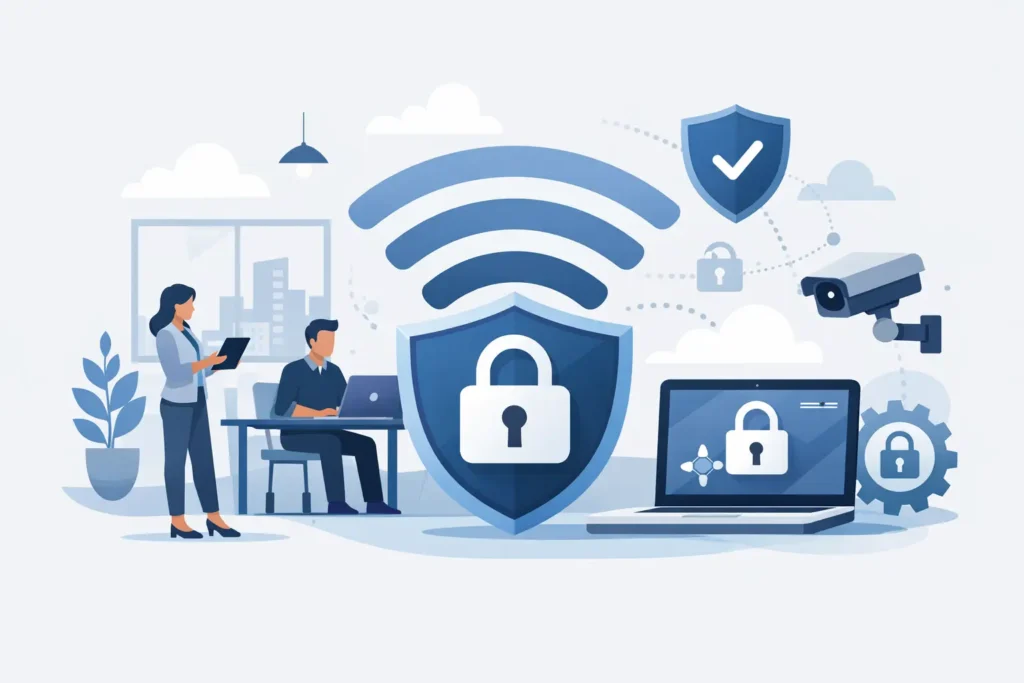
A weak office WiFi setup rarely looks like a problem until the day it becomes one. A dropped connection during a client call is frustrating. An unsecured wireless network that exposes business systems, shared files, IP phones, cameras, or cloud-connected devices is far more expensive. If you are evaluating how to secure office WiFi, the right approach is not a single setting. It is a combination of policy, network design, hardware, and ongoing management.
For many businesses, WiFi security is treated as a one-time setup task handled during installation. That is where risk starts. Office environments change constantly. Staff join and leave. New laptops, printers, cameras, mobile devices, and meeting room systems are added. Guest access becomes necessary. Remote management tools are introduced. If the wireless network is not reviewed as part of the broader IT environment, security gaps appear quietly.
Why office WiFi needs a business-grade security approach
Home-grade wireless practices are not enough for a business environment. In an office, WiFi often carries access to file servers, cloud applications, VoIP systems, surveillance systems, and operational tools. A compromise does not just affect internet access. It can affect uptime, privacy, and business continuity.
The main issue is that wireless access extends beyond physical walls. Anyone within range may attempt to connect, scan, or exploit weaknesses. That makes office WiFi different from a secured switch in a locked server room. It also means security has to account for both convenience and control. Employees need reliable access. Visitors may need internet. Devices need to stay connected. But none of that should come at the cost of exposing the internal network.
How to secure office WiFi with the right foundation
The first step is to start with business-class networking equipment. Consumer routers may be inexpensive, but they are usually limited in security policy control, user segmentation, firmware lifecycle, and monitoring. In a business setting, access points, firewalls, and switching infrastructure should support centralized management, VLANs, advanced encryption, role-based access, logging, and regular security updates.
That foundation matters because many wireless problems are not caused by WiFi alone. They come from the interaction between the firewall, access point settings, DHCP scope, DNS control, and internal network segmentation. A well-designed office network treats WiFi as part of the overall security architecture, not as a separate convenience layer.
Encryption is the next priority. WPA3 is the preferred standard where supported, with WPA2-Enterprise still common in many office environments. What should be avoided is outdated security such as WEP, WPA, or shared passwords that remain unchanged for years. If every employee, contractor, and former staff member knows the same wireless password, that network is already harder to control than it should be.
For many organizations, 802.1X authentication with a RADIUS-backed setup is the better long-term option. It allows each user or device to authenticate individually instead of relying on one shared key. That improves accountability and simplifies access removal when staff changes occur. It does require more planning and proper deployment, so the right choice depends on company size, internal IT capability, and compliance requirements.
Separate users, guests, and devices
One of the most effective answers to how to secure office WiFi is network segmentation. Not every connection should land on the same network.
Employee devices should use a protected corporate SSID with controlled access to internal resources. Guest users should connect to a separate guest network that provides internet access only, isolated from company systems. IoT and operational devices such as printers, cameras, smart displays, and access control hardware should often sit on their own segmented network as well.
This matters because many lower-cost connected devices do not offer strong native security. If a vulnerable printer or camera shares the same flat network as finance workstations or shared storage, one weak point can create unnecessary exposure. Segmentation limits the blast radius. It does not eliminate all risk, but it gives the business far better control.
Guest WiFi deserves special attention. Many offices want to offer visitors a convenient connection, especially in meeting rooms, retail spaces, or waiting areas. That is reasonable, but the guest network should never provide visibility into internal systems. It should also have its own password policy, bandwidth limits where needed, and clear expiration or rotation procedures.
Strengthen access control and password policy
A strong wireless password still matters, particularly for guest networks and environments not using enterprise authentication. The password should be unique, complex, and not reused from old installations or other locations. Avoid company names, phone numbers, or easy patterns that contractors and visitors can guess.
Just as important, change credentials when circumstances change. If an employee leaves under difficult conditions, if a third-party vendor no longer needs access, or if credentials were widely shared during a temporary project, review and rotate passwords promptly.
Administrative access to networking hardware needs tighter control than user WiFi access. Router, firewall, and access point management interfaces should have unique administrator credentials, multifactor authentication where available, and restricted remote access. Too many offices secure the user-facing WiFi password but leave default or weak administrator credentials in place. That is a serious oversight.
Keep firmware, policies, and hardware current
Wireless security is not static. Vendors regularly release firmware updates to fix vulnerabilities, improve stability, and support stronger protocols. If access points and firewalls are left unpatched, the business may be exposed even if the original installation was sound.
That said, updates should be managed carefully. Patching critical network infrastructure during business hours without testing can create avoidable disruption. A planned maintenance approach works better, especially in offices that rely heavily on wireless connectivity for calls, cloud systems, handheld terminals, or customer-facing services.
Hardware lifecycle also matters. Older access points may not support current encryption standards or modern security controls. At a certain point, retaining aging equipment to save cost becomes a false economy. If the network cannot support current policy requirements, reliable performance, and vendor-backed updates, replacement is the safer business decision.
Monitor the network instead of assuming it is secure
A secure configuration is only the starting point. Ongoing visibility is what helps identify misuse, abnormal traffic, failed login attempts, rogue access points, and device sprawl.
Monitoring does not need to be excessive to be useful. Businesses should know which devices are connected, which SSIDs are active, whether unauthorized hardware has appeared, and whether traffic patterns suggest an issue. Logging and alerting from access points and firewalls can provide early warning before a problem becomes an incident.
This is particularly valuable in growing environments where new devices are added by different teams over time. Meeting room systems, wireless printers, temporary project laptops, and third-party support devices can accumulate quickly. Without oversight, the wireless environment becomes harder to secure and troubleshoot.
Match WiFi security to business operations
There is no single blueprint that fits every office. A small professional services firm may prioritize secure staff access and guest isolation. A warehouse or multi-floor operation may need broader coverage, mobile device roaming, and segmented connectivity for scanners, cameras, and voice systems. A company with strict compliance requirements may need stronger identity-based access and longer audit retention.
That is why office WiFi security should be aligned with how the business actually works. The design has to support coverage, capacity, user type, critical applications, and future growth. Overcomplicating the setup can create management overhead. Underbuilding it can create downtime and risk. The right balance comes from planning security and operations together.
For organizations that prefer a single accountable provider, working with an experienced IT infrastructure partner can reduce both technical gaps and support delays. A company such as TASMEEM TECH TRADING can help design, deploy, segment, secure, and maintain the wireless environment as part of the broader network and cybersecurity strategy, which is often more effective than treating WiFi as a standalone purchase.
How to secure office WiFi over the long term
The businesses that protect their wireless networks best are usually not the ones with the most complicated settings. They are the ones with clear standards and regular reviews. They know who should have access, which devices belong on which network, when passwords and firmware were last updated, and how guest access is being controlled.
If your office WiFi has grown organically over time, start with an assessment. Review your hardware, encryption, SSIDs, admin access, segmentation, guest network isolation, and update status. Small fixes can improve security quickly, but they should lead toward a more deliberate design.
A secure office WiFi network should support business growth without creating hidden risk. When the wireless environment is built properly and maintained consistently, it becomes one less operational concern and a much stronger foundation for everything connected to it.