
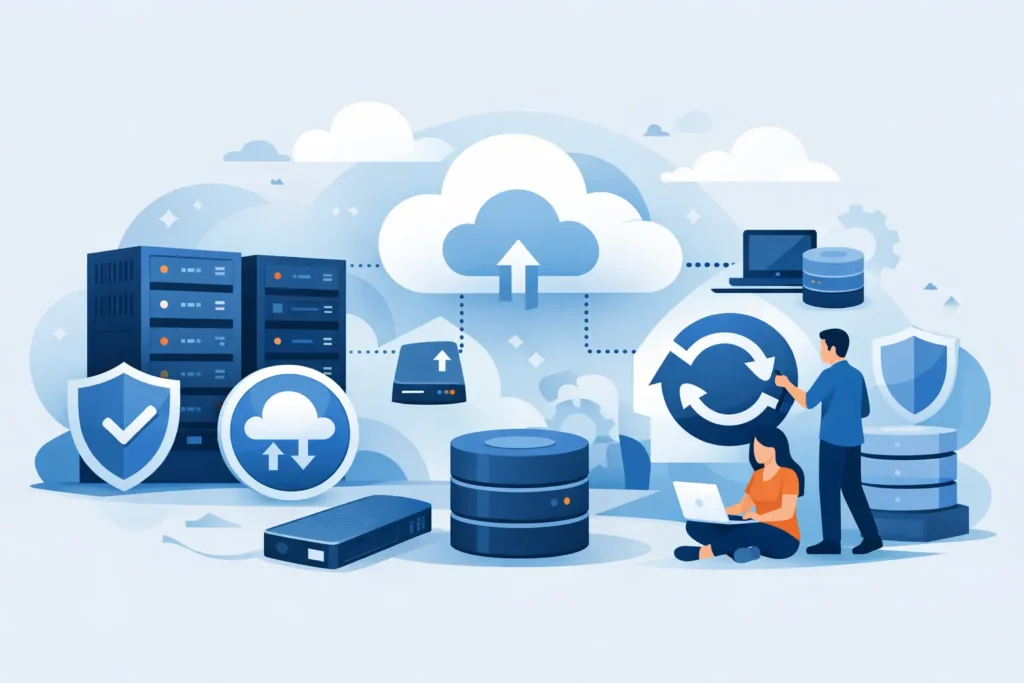
A server failure rarely starts as a dramatic event. More often, it begins with a corrupted file, a failed drive, a ransomware alert, or a restore request that takes far longer than the business can tolerate. That is why choosing the best backup solutions for servers is not just an IT purchasing decision. It is a business continuity decision that affects uptime, recovery speed, compliance, and operational risk.
For most organizations, the right answer is not a single product category. It is a backup approach that matches the value of the data, the complexity of the environment, and the time the business can afford to lose. Small companies may need a straightforward image-based backup with fast local recovery. Growing businesses often need hybrid protection, offsite copies, and more control over retention. Larger or more distributed environments may require application-aware backups, replication, immutable storage, and centralized management.
What makes the best backup solutions for servers
The best backup solutions for servers share a few practical characteristics. They back up consistently without disrupting production, restore quickly when an incident happens, and support the systems the business actually runs. That includes physical servers, virtual machines, business applications, file shares, databases, and increasingly cloud-connected workloads.
Recovery performance matters as much as backup success. A solution that completes backups every night but takes many hours to restore a critical workload may still expose the business to unacceptable downtime. Security also matters. Backups should be protected from accidental deletion, unauthorized access, and ransomware attempts that target backup repositories first.
There is also a budget and management reality. Some businesses need enterprise-grade recovery but do not have a large in-house IT team. In those cases, ease of administration, reporting, and vendor support become part of the decision. A lower-cost solution can become expensive if it creates too much operational overhead or fails when tested.
10 best backup solutions for servers to consider
1. Acronis Cyber Protect
Acronis is a strong fit for businesses that want backup and cyber protection in the same platform. It supports physical and virtual servers, image-based recovery, cloud backup, and centralized management. For organizations concerned about ransomware, the added security capabilities can reduce gaps between backup and endpoint protection.
Its value is strongest in environments that want one console and one policy framework. The trade-off is that some businesses may prefer to keep backup and security as separate tools, especially if they already have an established cybersecurity stack.
2. Veeam Backup and Replication
Veeam is widely used in virtualized server environments and is especially effective for businesses running VMware or Hyper-V. It is known for flexible recovery options, application-aware processing, and strong support for modern backup architectures.
This is often a strong choice for IT teams that need granular control and fast recovery. For very small businesses with simple environments, however, Veeam can feel more feature-rich than necessary.
3. Synology Active Backup for Business
For small to mid-sized businesses looking for cost efficiency, Synology can be attractive. It combines storage hardware with backup capabilities for servers, virtual machines, PCs, and some cloud workloads. If the environment is not highly complex, it can deliver strong value.
The main consideration is scale and design. Synology works best when deployed carefully with the right storage sizing, redundancy, and offsite backup strategy. It should not be treated as a single-box answer to every backup requirement.
4. QNAP backup solutions
QNAP offers practical backup and storage options for businesses that want local backup targets, snapshots, and replication features in a flexible appliance model. For branch offices or growing SMBs, this can support a reliable local-first recovery plan.
Like Synology, the result depends heavily on proper configuration. Hardware capacity, repository protection, and offsite replication need to be planned, not assumed.
5. Microsoft Azure Backup
Azure Backup makes sense for businesses already invested in Microsoft infrastructure. It can protect Windows servers, workloads in Azure, and certain on-premises environments with cloud-based retention and management.
The advantage is ecosystem alignment. The trade-off is restore speed and connectivity dependency. If large recoveries must happen over the internet, recovery objectives may be harder to meet unless the architecture is designed for that scenario.
6. Dell PowerProtect
Dell PowerProtect is well suited to larger organizations or businesses with more formal data protection requirements. It offers scalable backup, deduplication, and strong enterprise integration.
This is usually not the first choice for a smaller company with limited IT resources. But in environments where data volume, compliance, and performance are serious concerns, it can be a strong long-term platform.
7. Veritas Backup Exec
Backup Exec has been used for years in many business server environments and remains relevant where mixed infrastructure and traditional backup workflows are in place. It supports disk, tape, and cloud options across a broad set of workloads.
Its appeal is breadth and familiarity. Still, some newer environments may prefer platforms with a more modern management experience and stronger cloud-native orientation.
8. Nakivo Backup and Replication
Nakivo is often a good middle-ground option for SMBs and mid-sized companies that want strong virtualization backup without enterprise-level cost. It supports virtual, physical, and cloud workloads and is generally seen as simpler to manage than some larger platforms.
This can be an effective solution for businesses that want capable recovery without unnecessary complexity. As always, suitability depends on workload mix and growth plans.
9. Windows Server Backup with offsite support
For very small environments, built-in Windows Server Backup can still play a role. It is limited compared to dedicated backup platforms, but it can support basic backup needs when paired with disciplined storage management and an offsite copy.
This is best viewed as an entry-level approach, not a comprehensive business continuity strategy. It may work for a non-critical server, but most growing businesses outgrow it quickly.
10. Hybrid backup architecture with local and cloud copies
In many cases, the best answer is not one product but a hybrid design. That means fast local backup for rapid restores and a separate offsite or cloud copy for disaster recovery. This approach supports both day-to-day incidents and larger outage scenarios.
For many businesses, hybrid is the most balanced option because it addresses recovery time, storage resilience, and geographic separation. It does require more planning, but it tends to deliver better operational outcomes than relying on only local or only cloud backup.
How to choose the best backup solutions for servers for your business
Start with recovery objectives, not product features. Ask how much data the business can afford to lose and how long key systems can be unavailable. Those two answers shape almost every backup decision. A file server used occasionally has different recovery demands than an ERP server, surveillance system, or production database.
Next, look at workload type. Physical servers, virtual machines, Microsoft 365-connected workflows, SQL databases, and line-of-business applications may each require different handling. Application-aware backups can be critical if data consistency matters during restore.
Security should be part of the design from the beginning. If backup credentials are exposed, repositories are directly accessible, or retention copies can be overwritten easily, the backup environment becomes a soft target. Immutability, role-based access, encryption, and isolated copies are no longer optional for many businesses.
Testing is another deciding factor. A backup that has never been restored is an assumption, not a safeguard. The right solution should make test restores practical and routine. This is especially relevant for organizations that must meet internal governance requirements or customer expectations around uptime.
Finally, consider support and accountability. Many businesses do not want to coordinate between multiple vendors during an outage. A solution backed by proper design, deployment, and ongoing support often delivers more value than buying software alone. For companies that prefer a single partner to supply, implement, secure, and maintain the environment, that service model can reduce risk significantly.
Common backup mistakes that create downtime
The most common mistake is assuming backup completion equals recoverability. Another is storing the only backup copy on the same site as the primary server. Hardware failure, fire, theft, or ransomware can remove both at once.
Retention is another issue. Some businesses keep too little history and cannot recover clean data after a slow-moving compromise. Others keep too much without a retention policy and create unnecessary storage cost. The right retention model depends on business operations, compliance expectations, and how often files change.
There is also the problem of under-sizing the backup target. If storage fills up, backup jobs fail quietly or retention is shortened without proper review. Capacity planning should include growth, not just current use.
For organizations that want backup to be part of a broader continuity strategy, working with an experienced infrastructure partner can make the difference between a product deployment and a dependable recovery plan. TASMEEM TECH TRADING approaches backup in that wider context, where storage, security, networking, and support all affect the final result.
The best server backup solution is the one your business can restore from quickly, securely, and consistently when the pressure is real.